 ATOMIC NOTES
LOCAL-FIRST NOTES FOR ANDROID · v2.03.5
ATOMIC NOTES
Your Notes, Your Drive, Always Yours.
Notes live on your phone first. Sync goes to a folder in your own Google Drive. Turn on the vault and every note is sealed on the device before it leaves it.
- No AI
- No ads
- No trackers
- AES-256-GCM
- Source available
WHAT IS ATOMIC NOTES?
A notes app that answers to you.
Atomic Notes is a free, source-available notes app for Android that keeps your notes on your phone first and syncs them to a private folder in your own Google Drive. It has no AI features, no ads and no analytics. An optional vault encrypts every note on the device with AES-256-GCM, so the sync server and Google only ever store ciphertext.
- Platform
- Android 9 or newer
- Latest version
- 2.03.5, released 28 Sep 2026
- Where notes live
- Your phone, then your own Google Drive
- Encryption
- Optional vault: Argon2id + AES-256-GCM
- Price
- Free. 30 notes and daily sync energy
- Tracking
- None. No analytics, crash or ad SDKs
- Source
- Public to read and verify. All rights reserved
WHY IT EXISTS
Built after a bad afternoon.
The developer used a mainstream notes app the way most people do. Ideas, mostly. Also a few account passwords and private notes he never should have typed there. Then one ordinary day the emails started: “New sign-in from a location you don't usually use.” One account, then another. What followed was a frantic afternoon of password resets, token revocations and locked-out services.
The lesson wasn't “switch notes apps.” So Atomic Notes became the app he wished he'd had. Your notes live on your device first. The cloud is an option you control, and it's your own Google Drive. The business model can never be “mine the contents of your notes.”
The revival. Atomic Notes was first built about three years ago and shelved on purpose, because the tooling couldn't yet do it justice. It can now. The rebuild brought a new design system, a sync engine that writes to your Drive, a full performance pass and an end-to-end vault.
Stop using apps that take your data hostage and use it for their own private, profit-driven ends.
The lesson behind Atomic Notes
THE PROBLEM
Your notes became training data.
Across mainstream productivity apps, “free” now tends to mean your content is the product. The terms can change after you've written your notes. In August 2023 Zoom faced a backlash over terms that appeared to allow AI training on customer data (TechCrunch). In June 2024 Adobe rewrote its terms after users revolted over wording about accessing their content (Adobe).
Every claim here can be checked in the public source code. The dependency list in pubspec.yaml is the whole list of libraries the app ships.
FEATURES
Everything a notes app needs. Nothing it doesn't.
01 · NOTES AND CHECKLISTS
Write first. The network can wait.
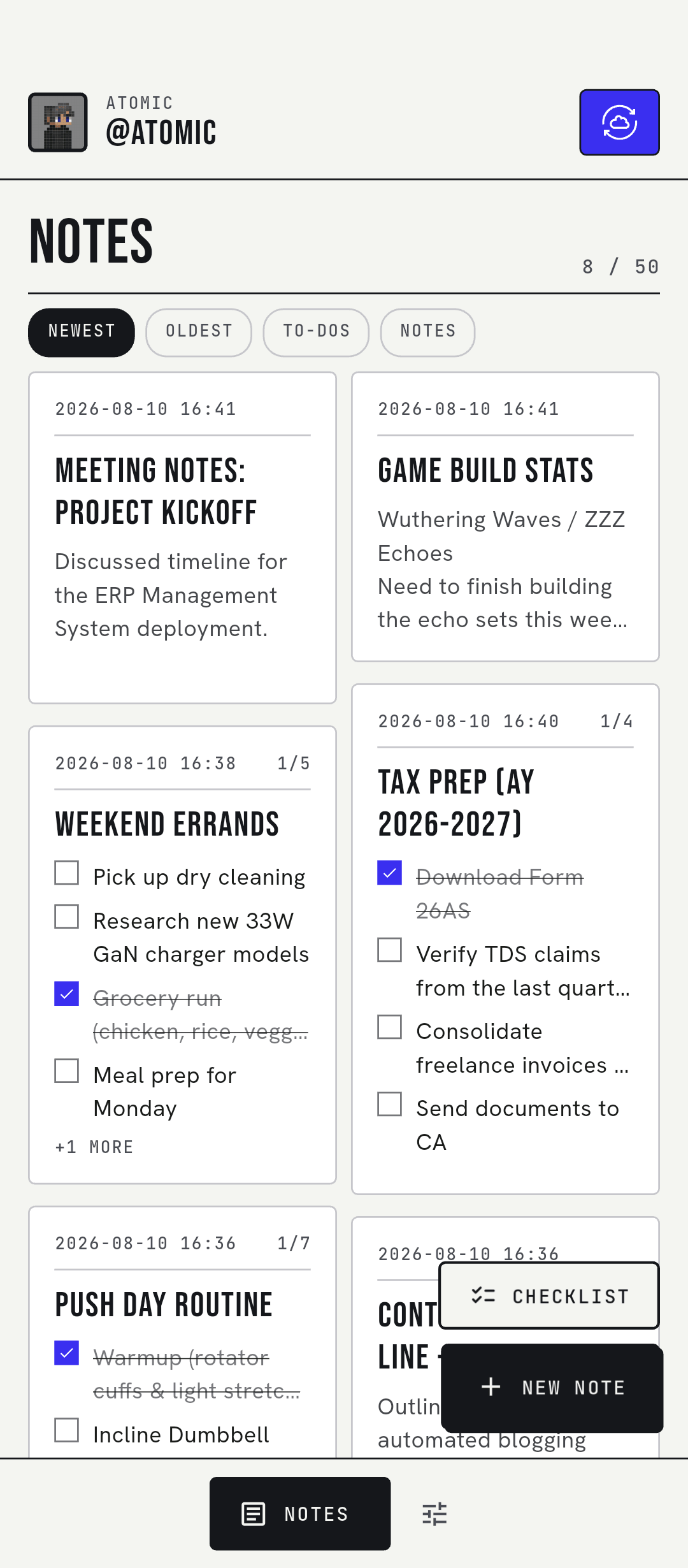
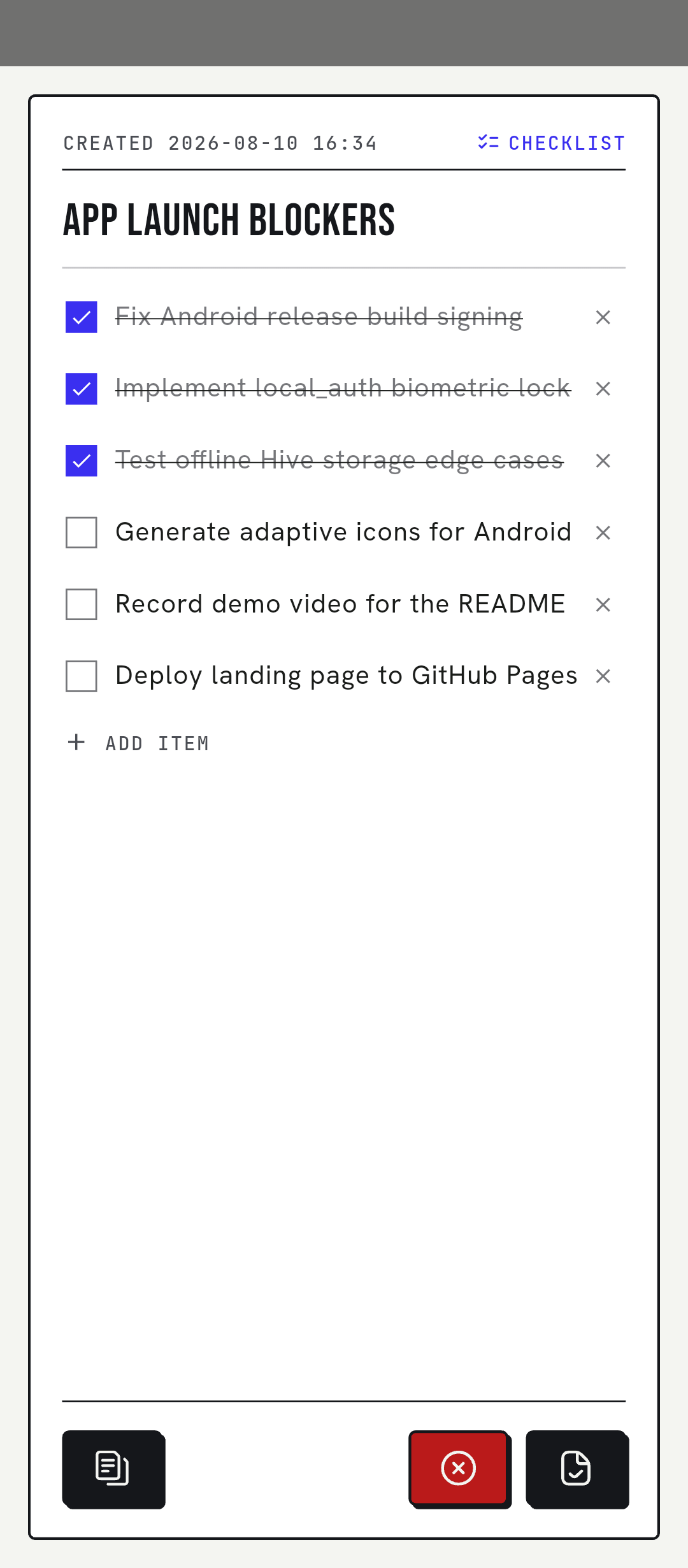
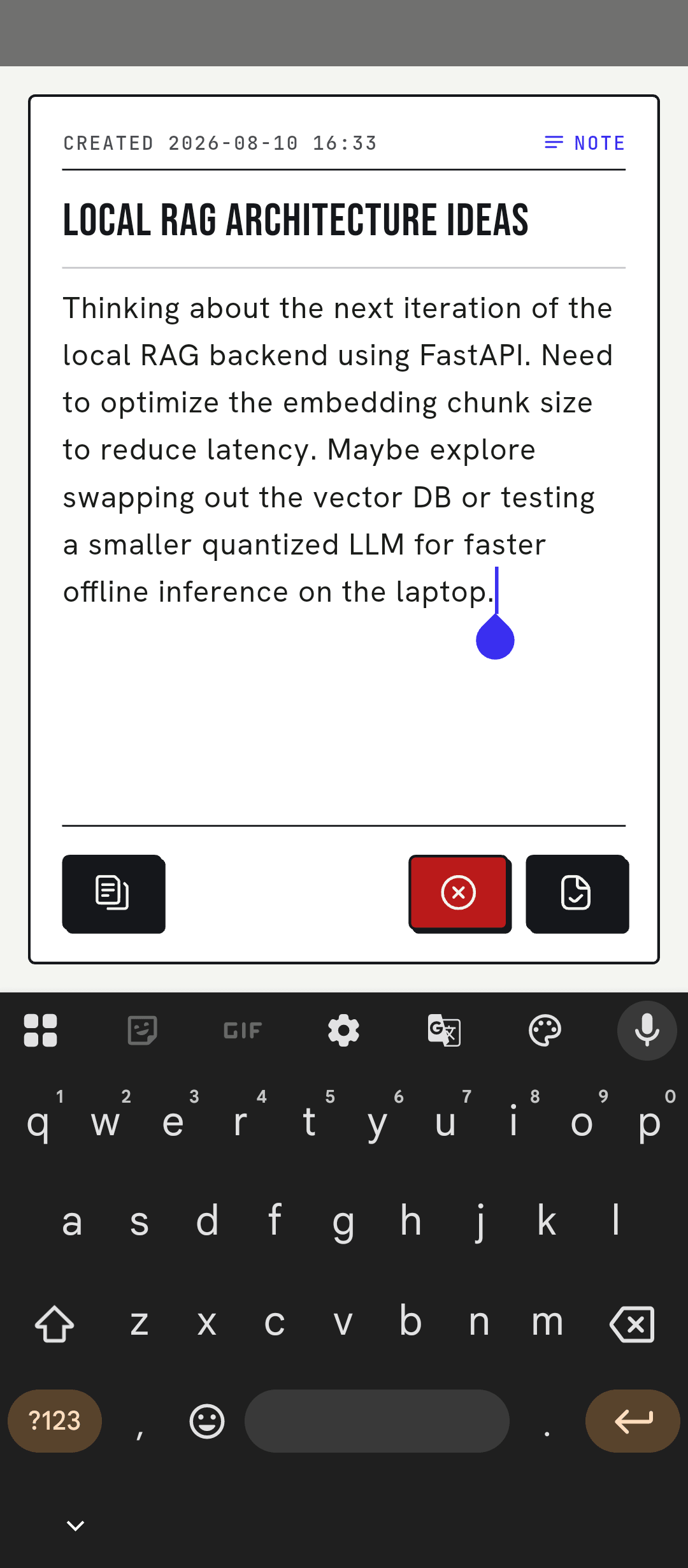
Every change lands in on-device storage as you type. Closing the app or losing signal can't lose your work, and the app opens just as fast in airplane mode. A checklist is a note, so both share one editor, one list and one limit.
Notes that save as you type
Text notes and checklists are one kind of object, saved to your phone on every keystroke. No spinner, no lost work, no waiting on the network.
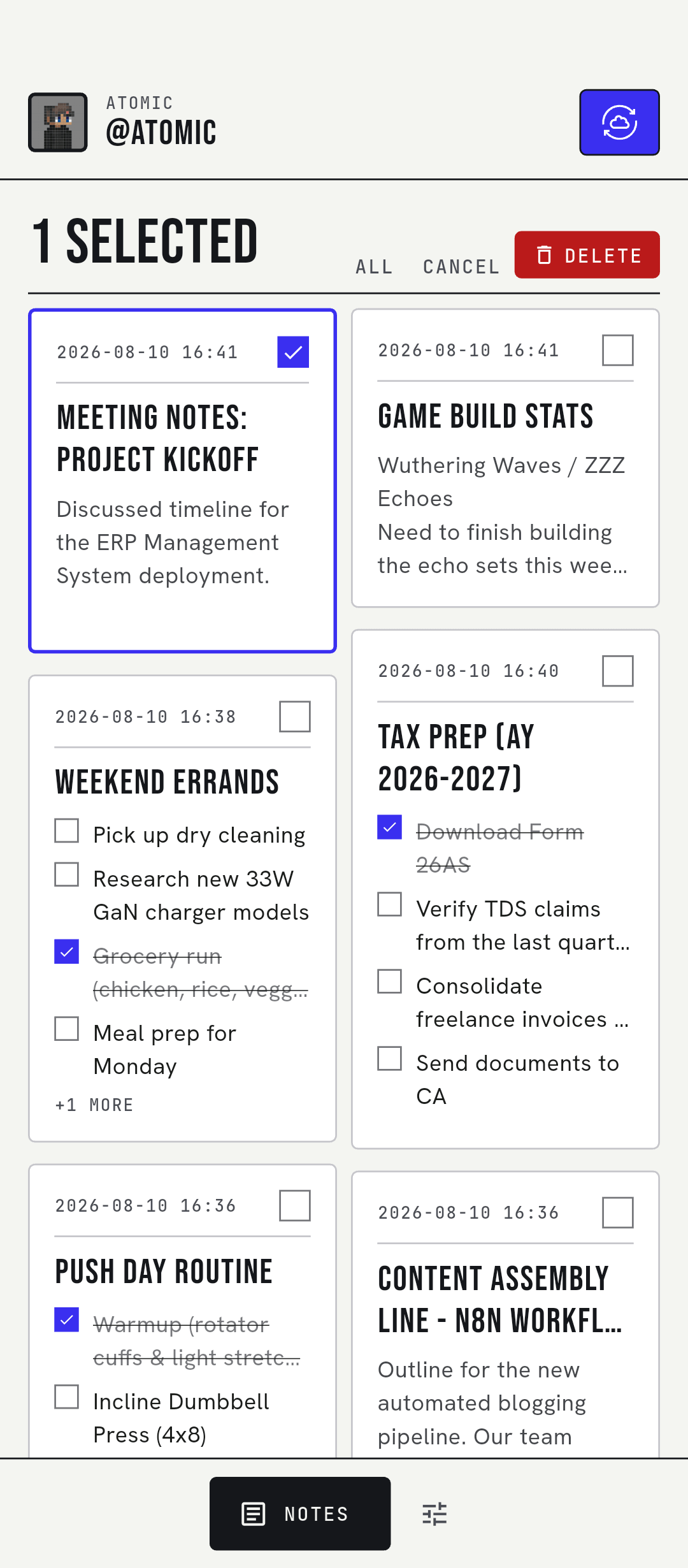
- Pin, filter and multi-select
- Recycle Bin for deleted notes
- Works the same offline
Sync to your own Google Drive
Each note becomes one .atomic file in a My-Atomic-Notes folder in your Drive. The server keeps ids, flags and timestamps, never your titles or text.
- drive.file scope: sees only its own files
- Syncs after you stop typing
- Conflict copies instead of overwrites
A vault, if you want one
Six words you write down become a key on your phone through Argon2id. AES-256-GCM seals every note before it leaves the device.
- Drive and server see ciphertext
- Lock it on one device any time
- The key never leaves your phone
Guards for the phone in your hand
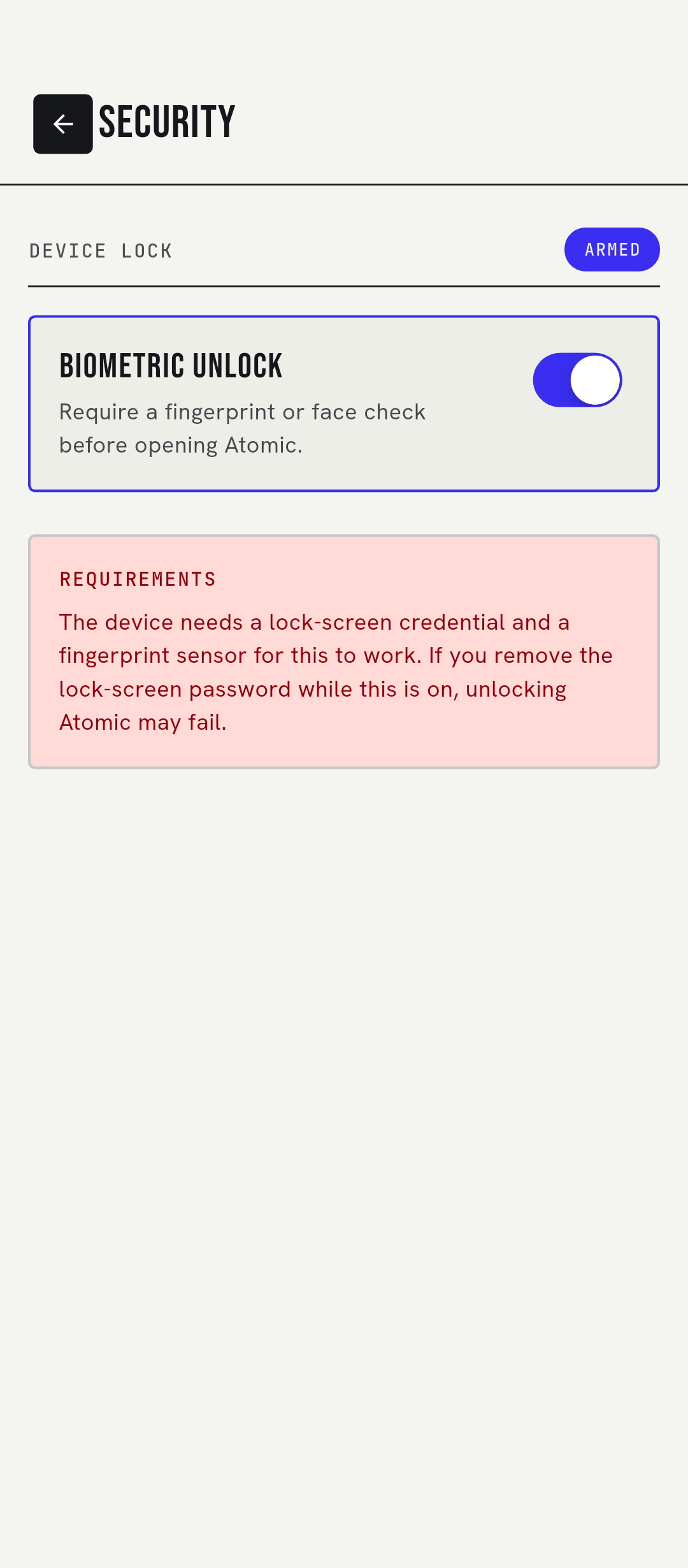
Fingerprint or face unlock at launch, a 6-digit code from any authenticator app, and blocked screenshots and screen recording.
- Biometric lock
- Two-step verification (TOTP)
- Android secure storage for secrets
Straight from the team
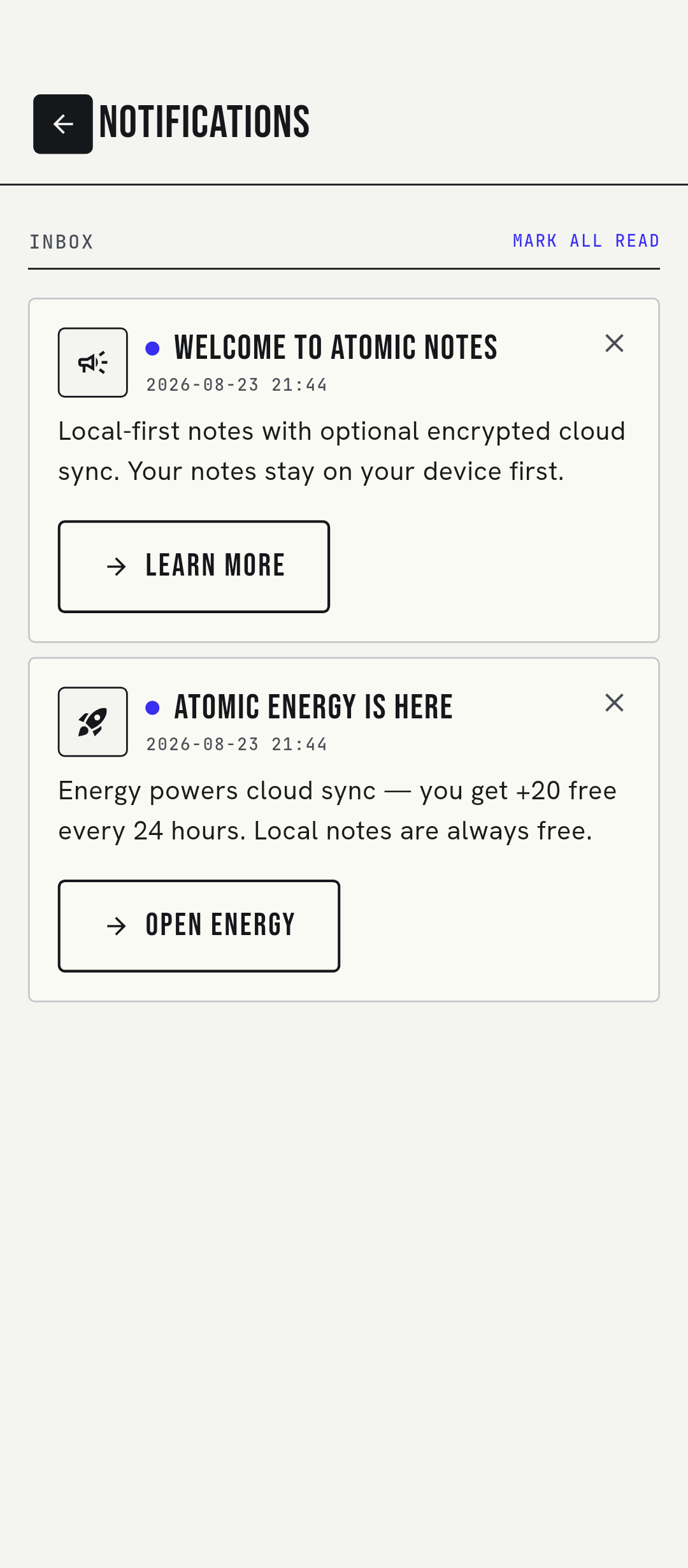
The bell collects release news, maintenance notices and feature updates. Tap one to mark it read, or dismiss it. Pinned notices stay until they're resolved.
- Read and dismiss per message
- Filtered to your app version
- Refreshes when you open the app
Your data, your call
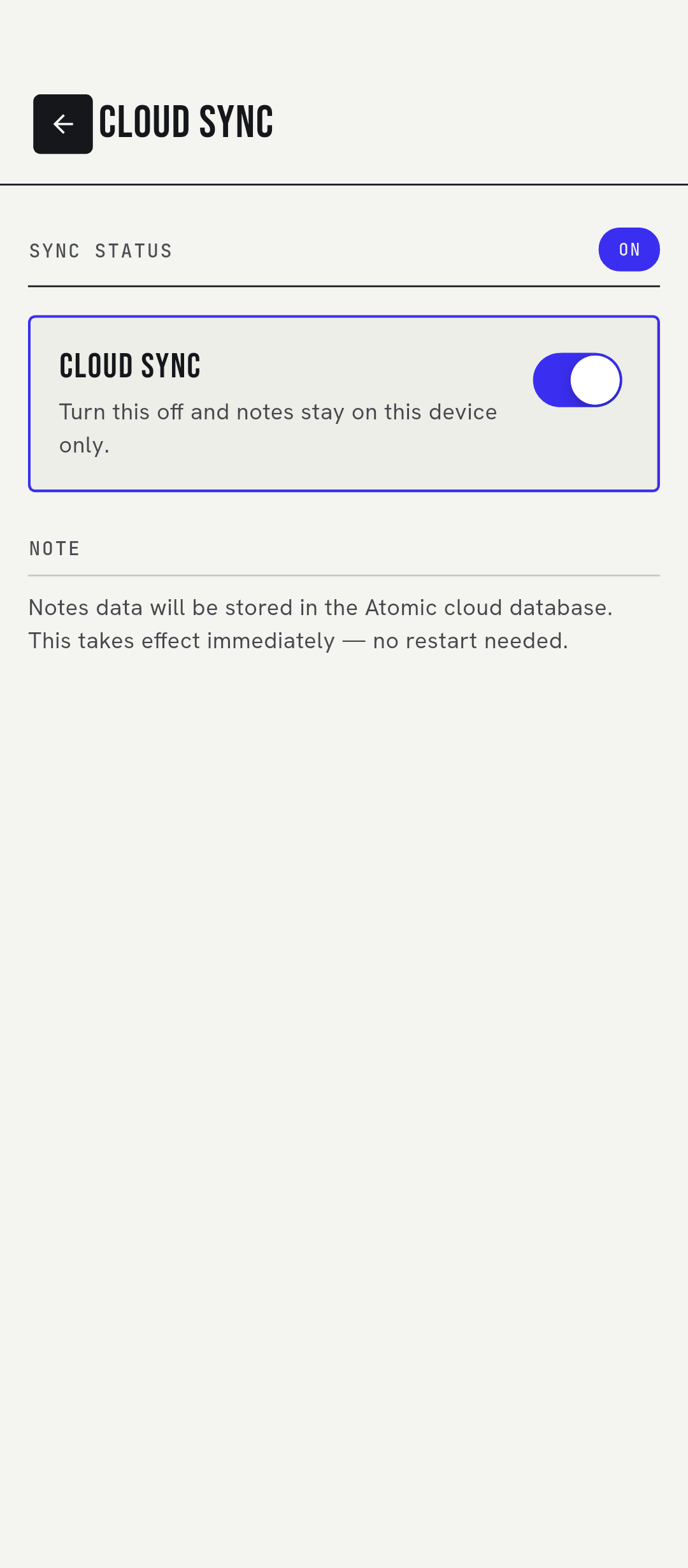
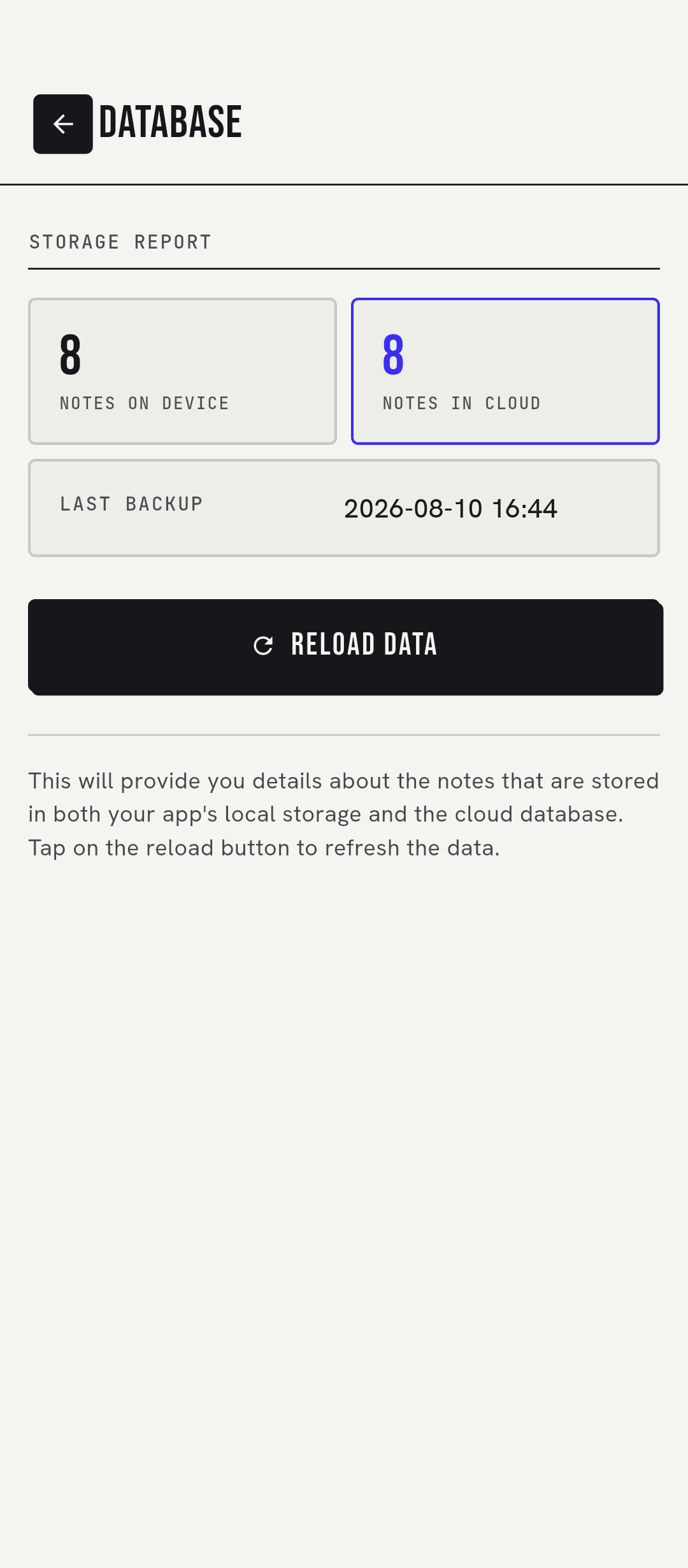
Turn cloud sync off and notes stay on the phone. See what's on the device versus in the cloud. Wipe either side on its own.
- Cloud sync on or off
- Device and cloud counts
- Separate local and cloud wipe
02 · THE VAULT
Sealed on your phone. Ciphertext everywhere else.
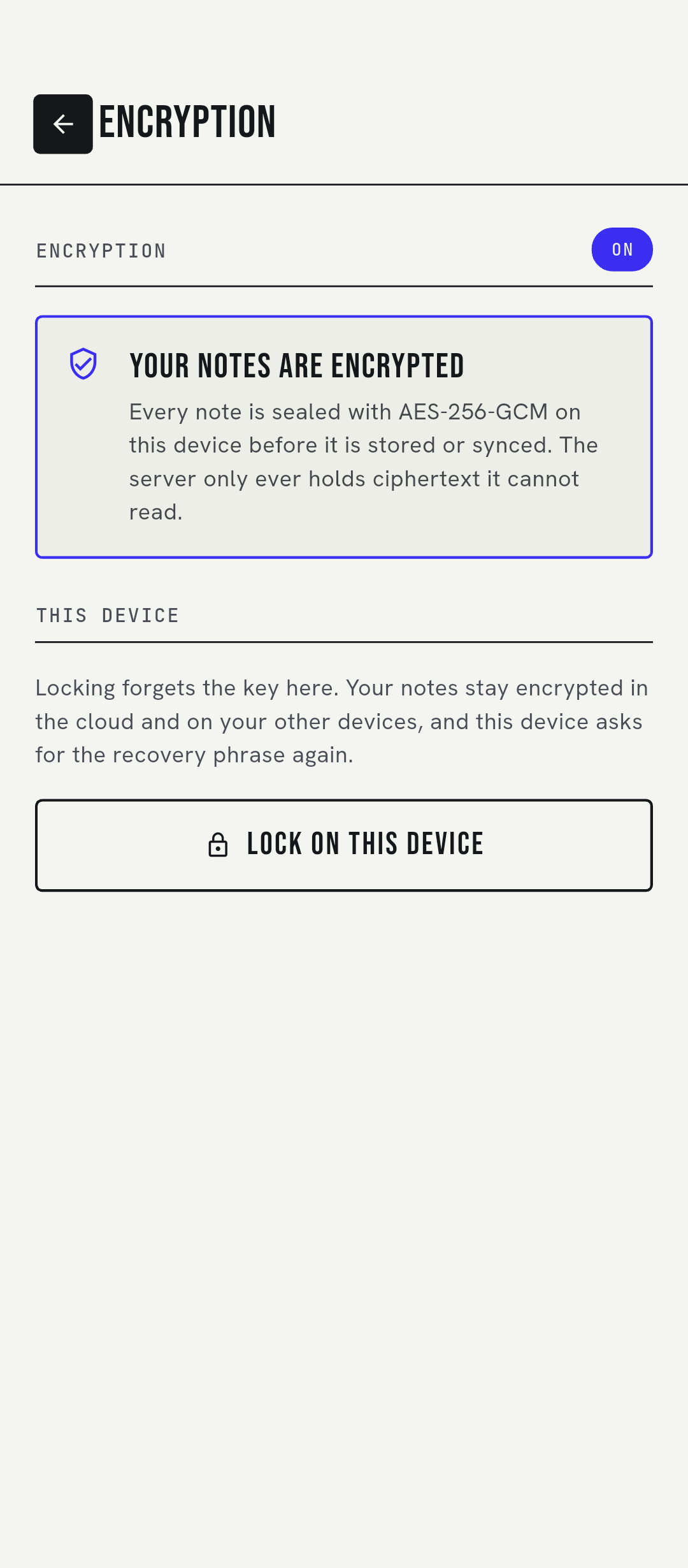
Turn the vault on and write down six words. Argon2id (64 MiB of memory, 3 passes) turns them into a key on the device, and AES-256-GCM seals each note before it syncs. A new phone asks for the words once. Lose them, and no one can decrypt your vault notes, including us. That's the point.

03 · MEET ATOMI
A mascot that tells you the sync status.
Atomi lives on the home screen. It tells you whether everything is synced, when the next automatic sync runs, and that your changes are safe on the phone when you're offline.
HOW IT WORKS
Phone first. Drive second. Server in between.
The phone is the source of truth. The server checks your energy, keeps the sync in order and writes files to your Drive. It never stores note text.
- 01
Write
Your note saves to the phone as you type. It's marked as waiting to sync.
- 02
Seal
With the vault on, the note is encrypted with AES-256-GCM before it leaves the phone.
- 03
Sync
The server charges energy once, then writes up to 8 note files to your Drive at a time.
- 04
Arrive
Your other devices pull what changed, 10 files per page, and merge it into their own copy.
What each party can see
| Vault off | Vault on | |
|---|---|---|
| Your phone | Everything | Everything, after unlock |
| Your Google Drive | Note titles and text | Ciphertext only |
| Atomic Notes server | Note text in transit to Drive. Stores metadata only | Ciphertext in transit. Stores metadata only |
| Atomic Notes team | No access to your Drive files | No access, and no key |
Built to survive bad networks
- A sync cut off by a closed app finishes on the next launch, with no second charge.
- A dropped connection is retried after 5, 15 and 45 seconds.
- If the same note changed on two phones, you get a “(conflict copy)”, not a loss.
- Push 9 notes to Drive
- 3.2 s
- Push 22 notes to Drive
- 6.8 s
- Cold start after a force stop
- 0.5 to 0.9 s
Measured on a real phone against production, 27 September 2026.
ATOMIC ENERGY · TRY IT
Writing is free. Energy powers sync.
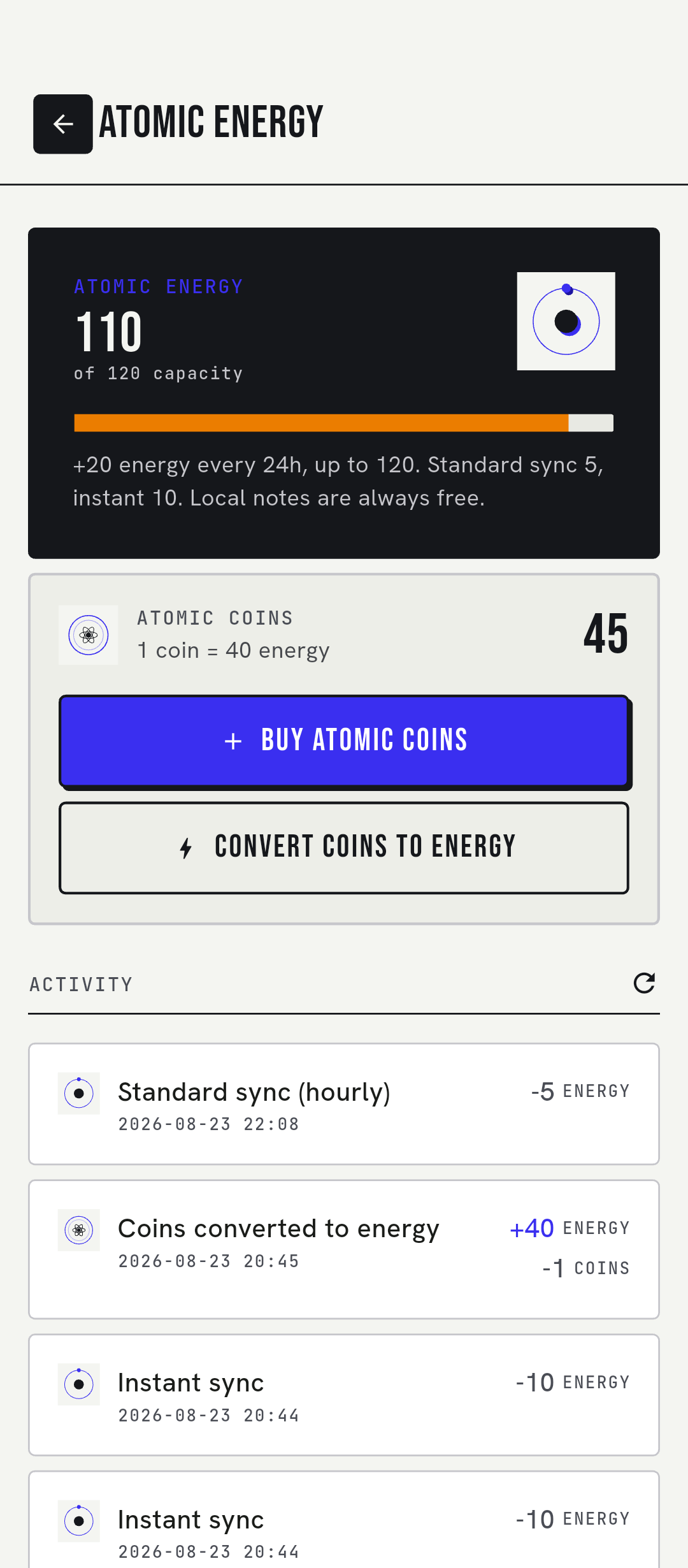
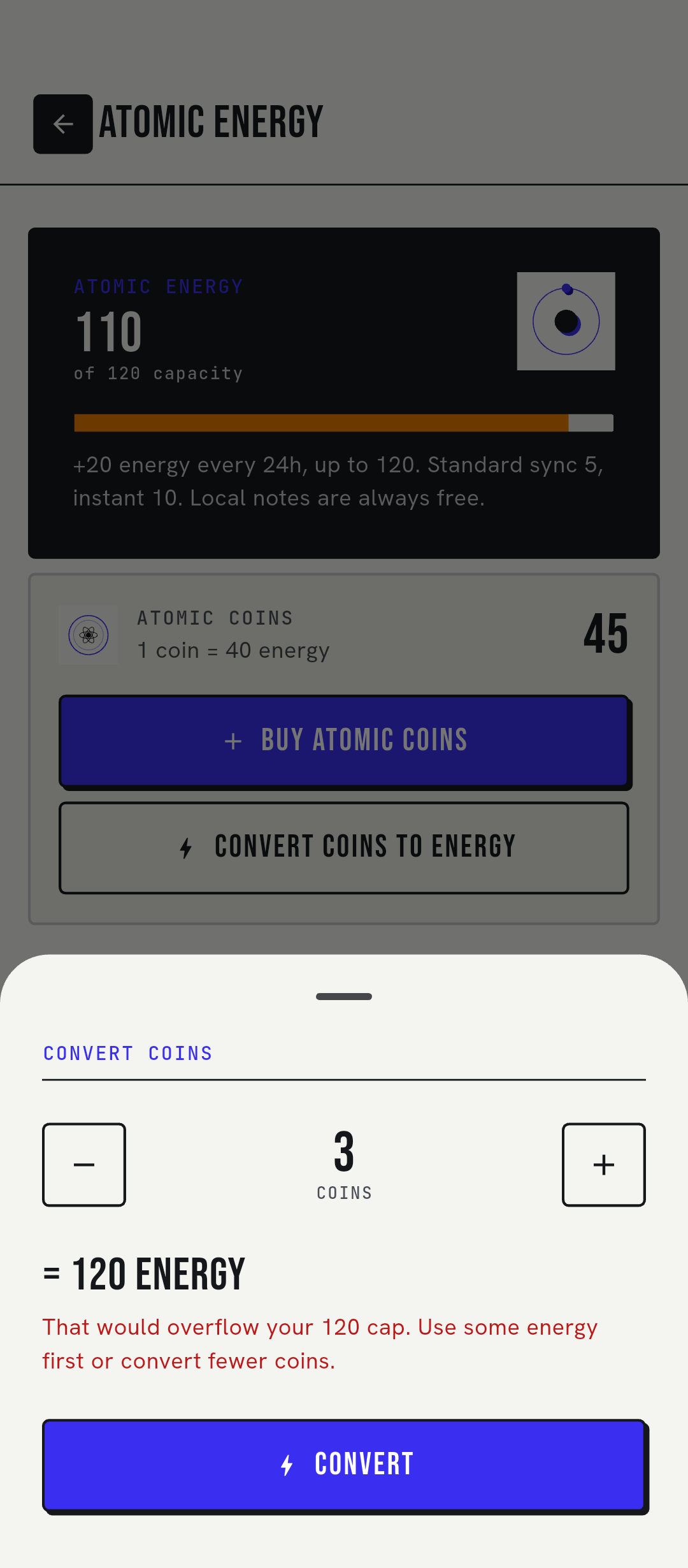
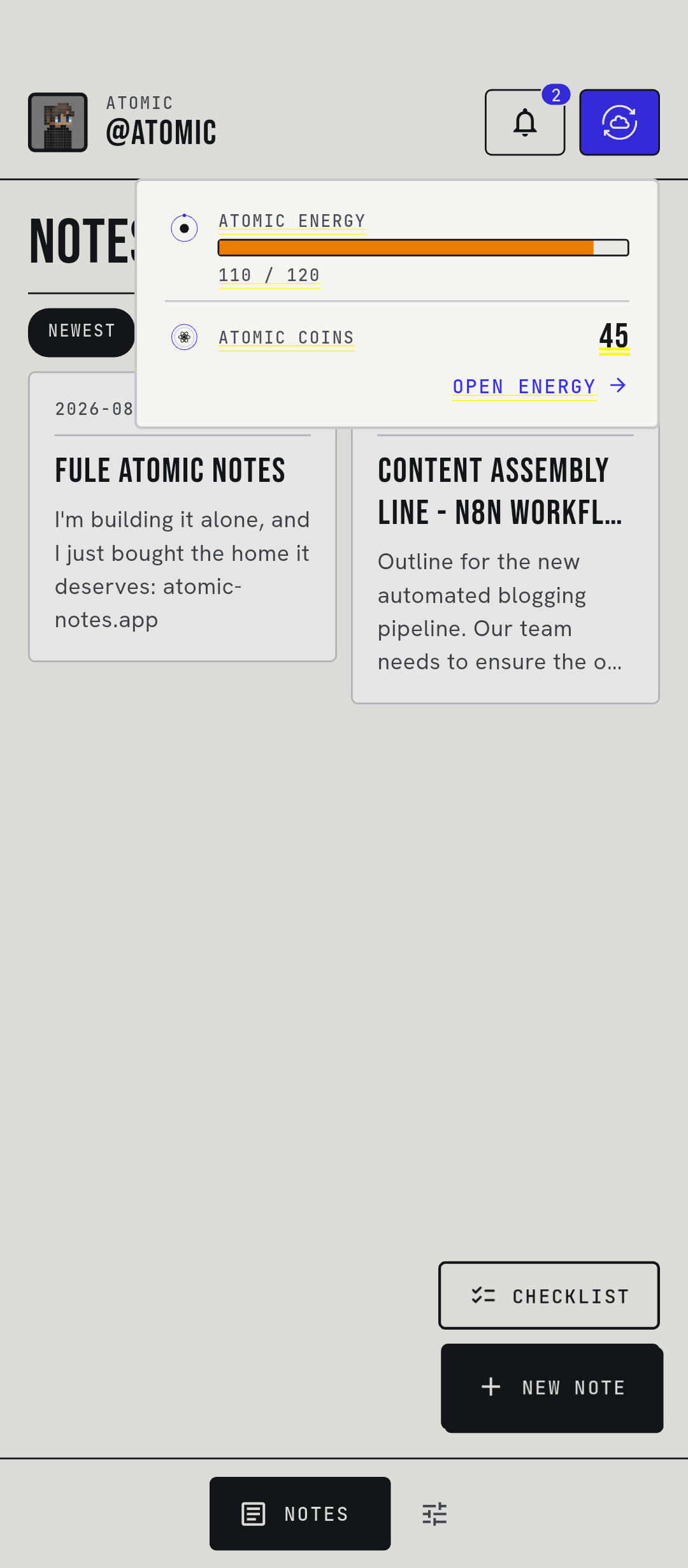
Energy refills on its own every day. Atomic Coins top it up or buy more room for notes. No subscriptions, and nothing that touches your content.
ATOMIC ENERGY
20 / 120
ATOMIC COINS · 5
+20 energy / 24h · cap 120 · 1 coin = 40 · sync 5 (std) / 10 (instant)
- Free energy
- +20 every 24 hours
- Energy cap
- 120
- Standard sync
- 5 energy, at most once an hour
- Instant sync
- 10 energy, any time
- Nothing to upload
- Free
- 1 Atomic Coin
- 40 energy
New accounts get 5 Atomic Coins. If a sync fails and no note gets through, its energy is refunded. Coins can't be bought in the app yet, but early supporters get them: support on Patreon.
Note capacity tiers

Tachyon

Antimatter

Monopole

Strangelet
Checklists count the same as notes. A tier is a one-time spend, and the server enforces the limit.
THE INTERFACE
Ink on paper. One signal.
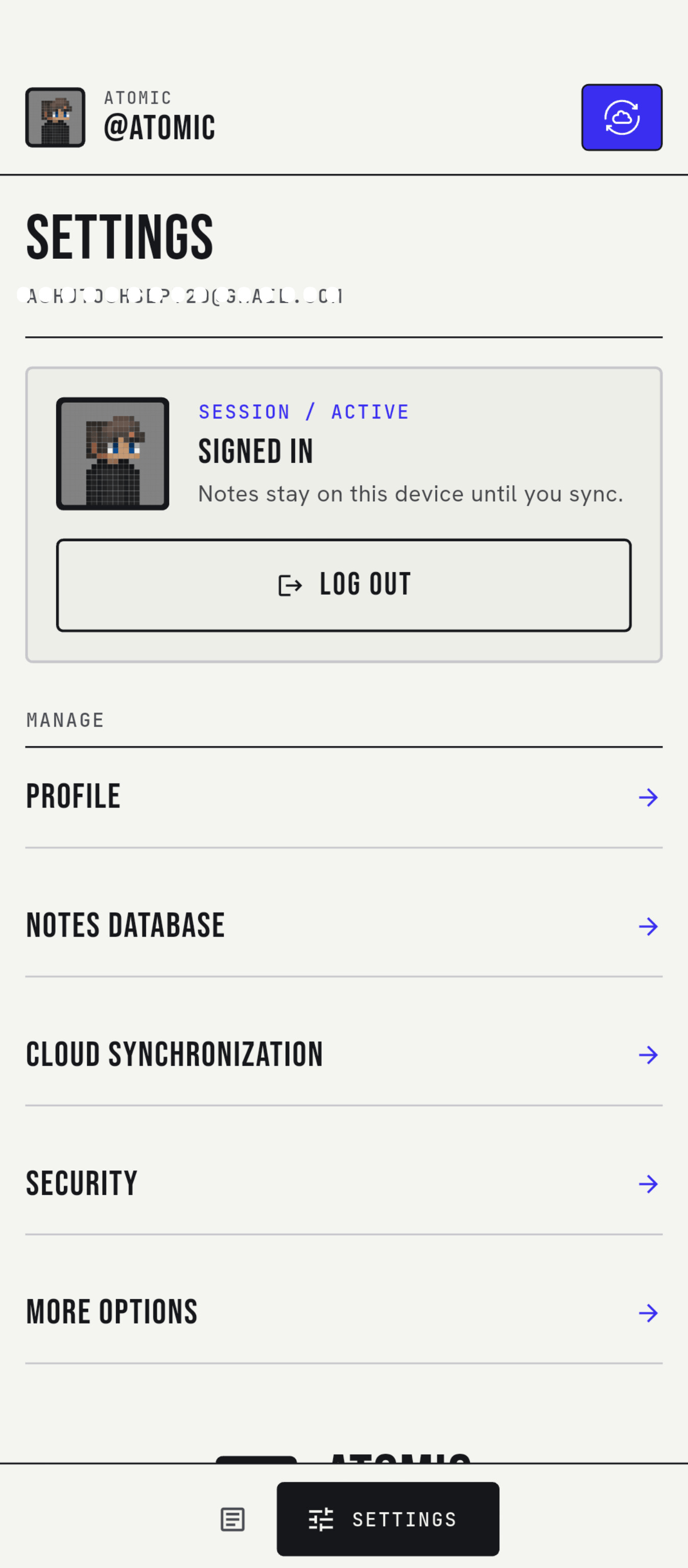
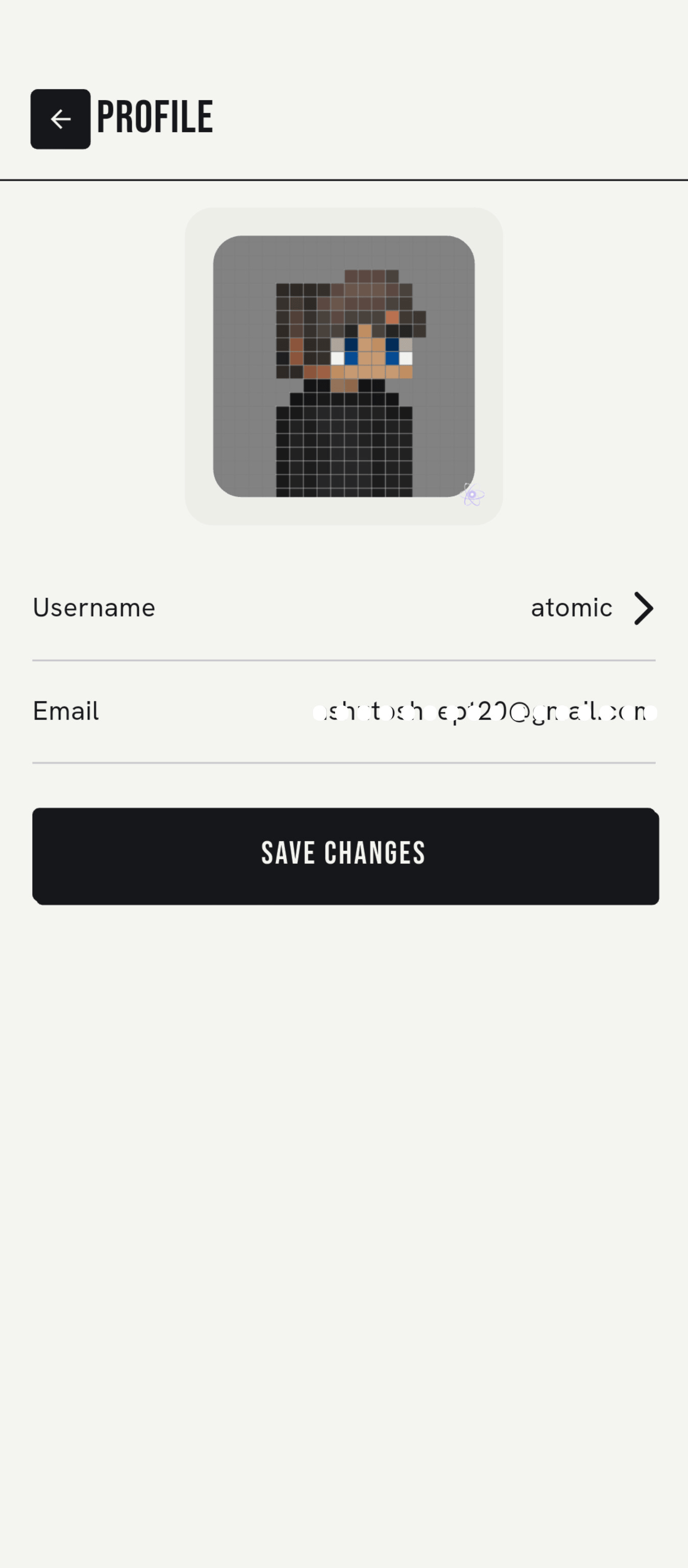
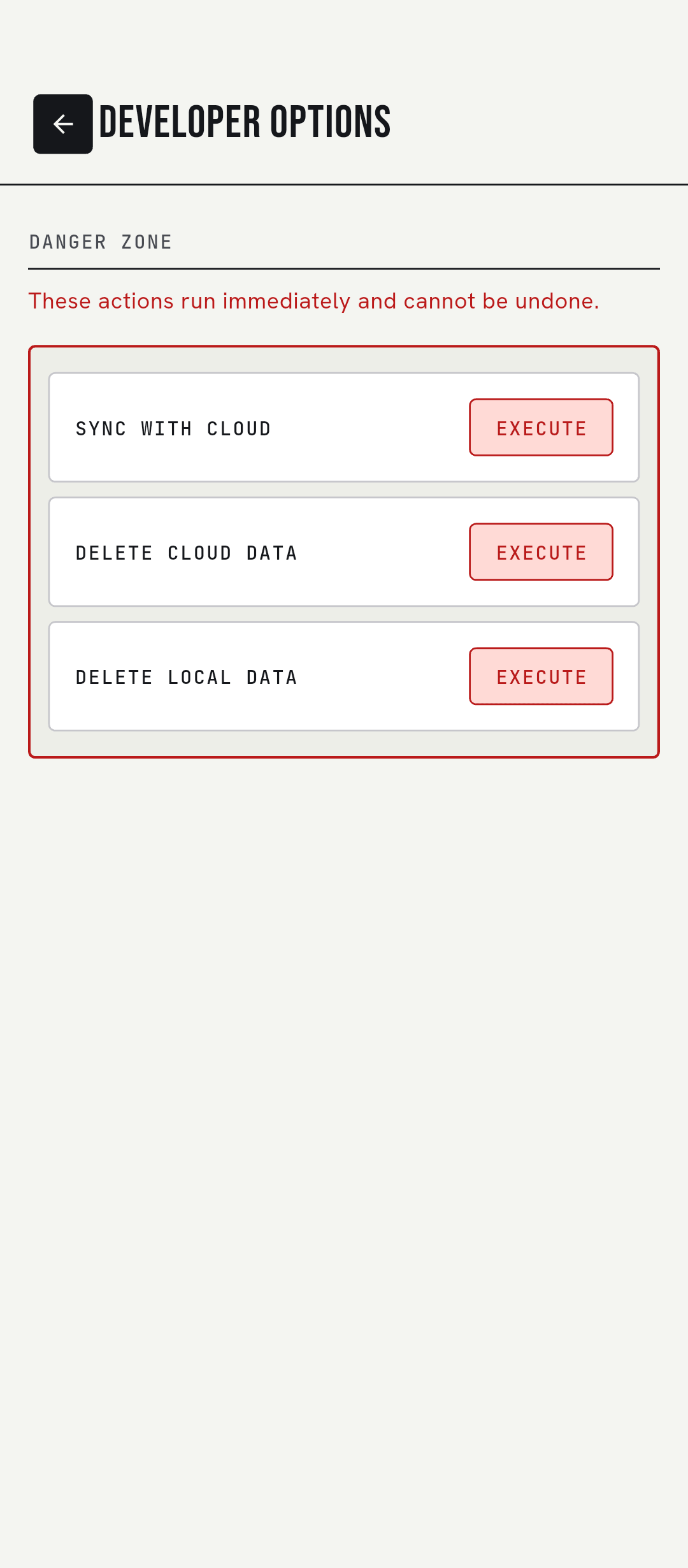
The Technical Editorial design system: ink #15171B on paper #F4F5F1 with one accent, Signal #3A2FF0. Tap any screen to zoom. Some screens are from the August 2026 build.
ROADMAP
Where it's going.
- 01Local-first notes and checklists, offline by defaultShipped
- 02Sync to your own Google Drive, replay-safeShipped
- 03End-to-end vault with a 6-word recovery phraseShipped
- 04Atomic Energy, Atomic Coins and capacity tiersShipped
- 05Notification center, biometric lock and two-step codesShipped
- 06Open Google sign-in to everyoneNow
- 07Coin packs you can buyNext
- 08Background sync while the app is closedNext
- 09iOS buildNext
Not on the roadmap: AI features and paid subscriptions. Both were rejected.
LATEST UPDATES
From the build.
FAQ
Straight answers.
Is Atomic Notes free?
Yes. Writing and keeping notes on your phone is free, and every account holds 30 notes at no cost. Cloud sync uses Atomic Energy, which refills by 20 every 24 hours. That covers four standard syncs a day. Atomic Coins add more energy or note capacity. There are no subscriptions.
Where does Atomic Notes store my notes?
On your phone first, in on-device storage. When you sync, each note is saved as its own .atomic file in a My-Atomic-Notes folder in your Google Drive. The Atomic Notes server stores only metadata such as note ids, timestamps and flags. It never stores your note titles or text.
Can the developer read my notes?
Not with the vault on. The vault encrypts each note on your phone with AES-256-GCM before it is uploaded, so your Drive and the server hold only ciphertext, and the key never leaves your device. With the vault off, notes are plain text in your own Drive, and they pass through the server on the way there.
Does Atomic Notes use AI or train models on my notes?
No. Atomic Notes has no AI features, and your notes are never sent to a model or used as training data. The app ships no analytics, crash-reporting or advertising SDKs. You can check this in the public source code, where pubspec.yaml lists every library the app uses.
Does Atomic Notes work offline?
Yes. The app opens and saves notes the same way with or without a connection, because the phone holds the main copy. Changes made offline sync on their own when the network comes back. You need a connection only for the first Google sign-in and for syncing to Drive.
What happens if I lose my 6-word recovery phrase?
Notes on a phone that is still unlocked stay readable there. But no one, including the developer, can decrypt your vault notes on a new device without the six words, because the key is derived from them on your phone and never uploaded. Write the phrase down on paper and keep it safe.
Is Atomic Notes on Google Play or iOS?
Not yet. Atomic Notes for Android ships as signed APKs on GitHub Releases, and you can check each file's certificate and SHA-256 before you install it. An iOS build is on the roadmap.
GET ATOMIC NOTES
Sideload it. Keep control.
Download the signed APK from GitHub Releases. Most phones need the file ending in arm64-v8a.apk. Version 2.03.5 installs over earlier versions and keeps your notes. Needs Android 9 (API 28) or newer.
VERIFY BEFORE YOU INSTALL
Certificate SHA-256
cc24ae5ce1dca50fcd5e5c4c252d69e4965c55a975bd0e4739e8938fad9bebebCertificate SHA-1
20:08:8F:BF:45:D7:D1:5A:4C:26:69:D6:47:84:16:E2:7F:32:85:45Check with
apksigner verify --print-certs atomic-notes-2.03.5-arm64-v8a.apk